
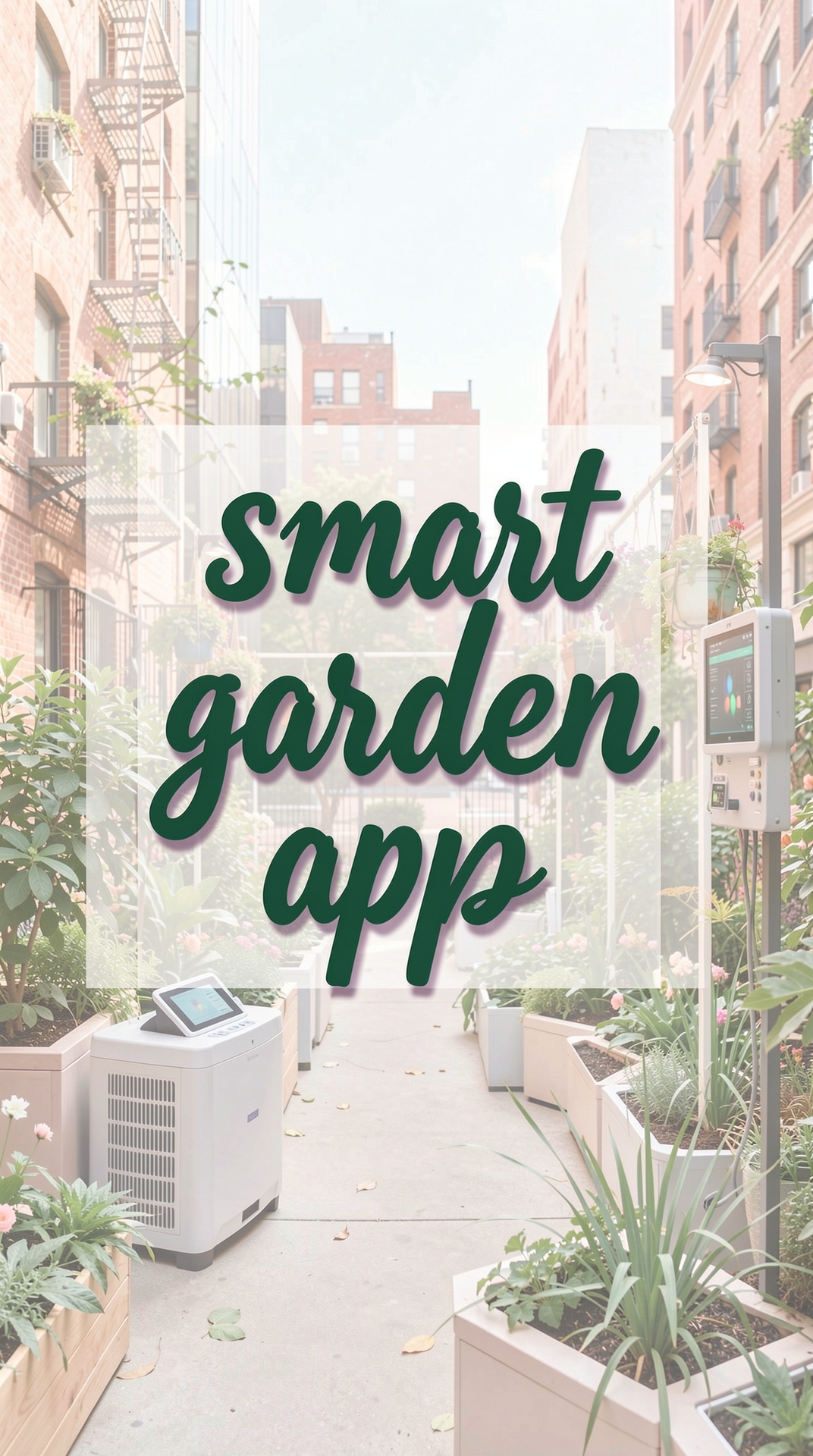
Welcome to the world of smart gardening! If you’re new to growing plants at home and love the idea of technology making your garden easier to manage, you’ve come to the right place. In this guide we’ll explore how using apps to monitor your smart garden can help you keep plants healthy, save water, and enjoy a thriving green space without the guesswork.
Why Smart Garden Apps Are a Game‑Changer
Traditional gardening often relies on intuition, experience, and a bit of trial and error. Smart garden systems combine sensors, Wi‑Fi connectivity, and mobile apps to give you real‑time data about soil moisture, temperature, light levels, and more. By turning that data into simple alerts and recommendations, apps make it possible for beginners to care for plants confidently.
Instant Feedback, Not Guesswork
When you water a plant, you usually hope you’ve given just the right amount. A smart garden app tells you exactly how wet the soil is, so you can water only when needed. This prevents over‑watering, which is one of the most common mistakes new gardeners make.
Remote Monitoring
Imagine being on vacation and still being able to check whether your tomatoes are getting enough sunlight. With an app on your phone, you can view live sensor readings, receive push notifications, and even control irrigation schedules from anywhere.
Getting Started: Setting Up Your Smart Garden System
Before you dive into the app, you’ll need a few basic components:
- Smart sensors: Soil moisture, temperature, humidity, and light sensors that connect to Wi‑Fi.
- Controller hub: A small device that gathers sensor data and sends it to the cloud.
- Mobile app: The software that displays data and lets you adjust settings.
Most kits come with step‑by‑step instructions, but here’s a quick checklist to keep things smooth:
- Place sensors at the root zone of each plant, avoiding direct sunlight on the sensor body.
- Connect the hub to your home Wi‑Fi network (2.4 GHz is usually more reliable for IoT devices).
- Download the corresponding app from the App Store or Google Play.
- Follow the in‑app pairing process to link each sensor to its virtual “plant profile.”
Practical Tips for Using Apps to Monitor Your Smart Garden
1. Set Realistic Thresholds
Every plant has its own water and light preferences. Use the app’s default thresholds as a starting point, then adjust based on how your specific plants respond. For example, lettuce prefers consistently moist soil, while succulents thrive with drier conditions.
2. Schedule Automated Watering
Most apps let you create watering schedules that trigger the irrigation system when soil moisture drops below a set level. Start with a conservative schedule—perhaps once every two days—and let the app’s alerts guide you to fine‑tune the timing.
3. Keep an Eye on Temperature Spikes
Heat waves can stress plants quickly. If your app notifies you of a temperature rise above the optimal range, consider moving vulnerable plants to a shadier spot or providing temporary shade.
4. Use Data to Learn Seasonal Patterns
Over weeks and months, the app will accumulate data charts. Review these trends to understand how your garden behaves in different seasons. This insight helps you plan planting times and choose varieties that match your climate.
5. Sync with Calendar Reminders
Many garden apps integrate with your phone’s calendar. Enable this feature to receive gentle reminders for tasks like fertilizing, pruning, or checking for pests.
Common Mistakes to Avoid
Ignoring Sensor Placement
Placing a moisture sensor too close to a water source (like a drip emitter) can give false readings, leading you to under‑water the rest of the garden. Ensure sensors are embedded in the root zone, away from direct water streams.
Over‑Reliance on Alerts
While alerts are helpful, they’re not a substitute for visual checks. If the app signals that soil is dry but the plant looks wilted, inspect the roots for disease or compaction before watering.
Forgetting Firmware Updates
Manufacturers release firmware updates to improve sensor accuracy and security. Skipping these updates can result in inaccurate data or connectivity issues. Set the app to update automatically or check monthly.
Setting Too Narrow Thresholds
Plants naturally experience fluctuations. Setting a very tight moisture range can cause the system to water excessively. Give a buffer of 5–10% around the ideal range to accommodate natural variation.
Neglecting Power Sources
Battery‑powered sensors need regular replacement. A low‑battery alert is easy to miss if you don’t enable push notifications. Keep spare batteries handy and replace them promptly to avoid data gaps.
Advanced Features to Explore
Integration with Voice Assistants
If you have a smart speaker, you can ask it for the current soil moisture level or ask it to start watering. This hands‑free control adds convenience, especially when you’re busy with other chores.
Community Plant Libraries
Some apps host databases of common garden plants, offering specific care recommendations based on the sensor data you collect. Look for a “plant library” feature to get tailored advice for tomatoes, herbs, or ornamental flowers.
Exporting Data for Personal Analysis
For the data‑curious gardener, many apps allow you to export CSV files of sensor readings. You can import these into spreadsheet software to create custom charts, compare plant performance, or even share findings with fellow gardeners.
Conclusion
Integrating technology into your garden doesn’t have to be intimidating. By using apps to monitor your smart garden, you gain real‑time insight, reduce guesswork, and create a healthier environment for your plants. Start with a simple sensor kit, follow the practical tips above, and watch your confidence grow alongside your seedlings. Happy gardening!